 Skip to content
What Is a PS2 BIOS ROM? Difference From ISO and Game Files
Many beginners get confused between PS2 BIOS ROM, PS2 ISO, and PS2 game ROM files. These terms are related to PS2 emulation, but they are not the same thing. A BIOS ROM is the firmware that starts the console, while an ISO is the actual game disc image. “Game ROM” is a general term many users use for downloadable game files.
This confusion became common after emulators like PCSX2 and AetherSX2 became popular on PC and Android devices.
This guide explains what a PS2 BIOS ROM is, how it works, and how it differs from ISO and game ROM files.
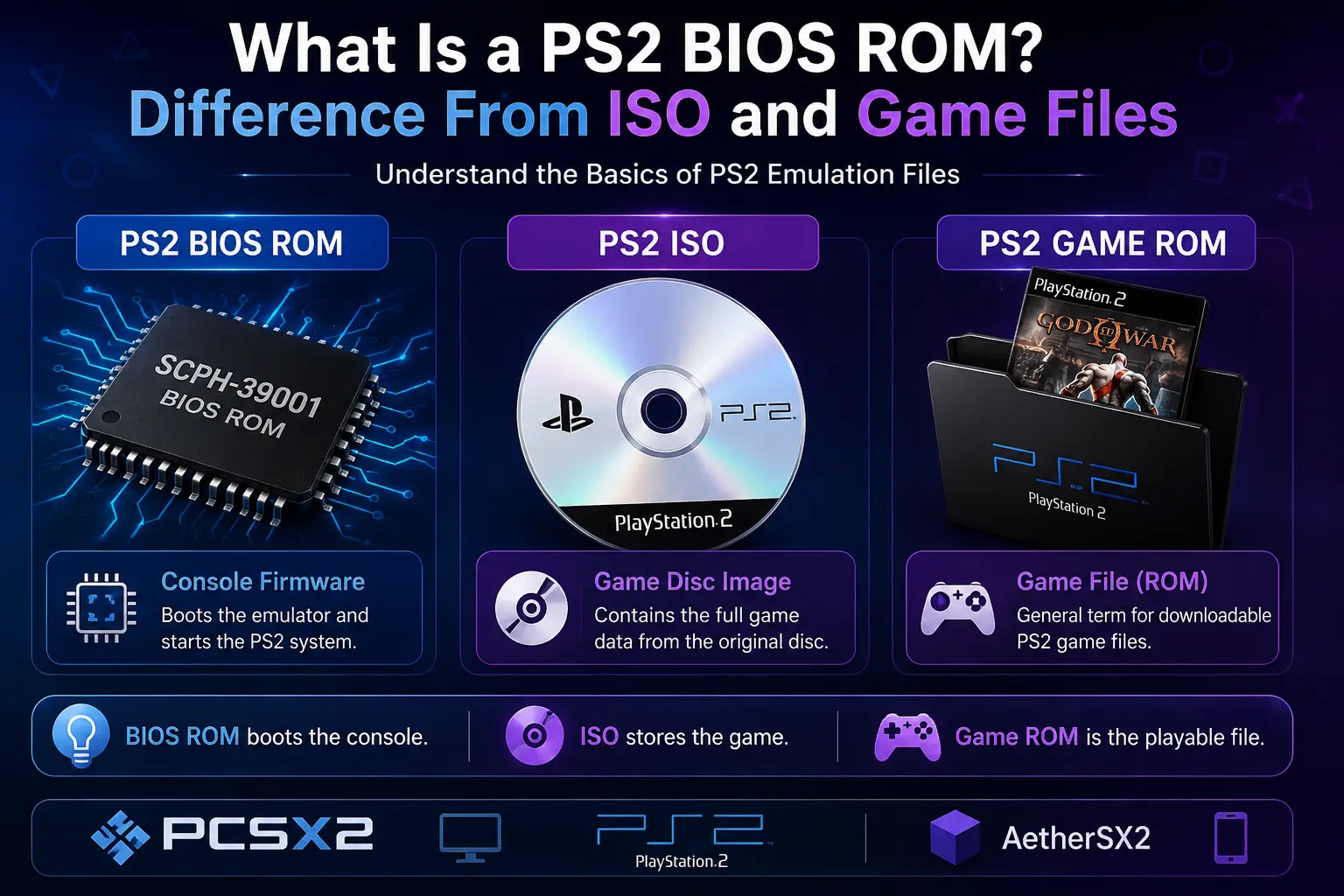
A PS2 BIOS ROM is the firmware stored inside every PlayStation 2 console. Emulators like PCSX2 and AetherSX2 need this file to boot and run PS2 games. It is not a game file.
| BIOS ROM | Game ROM | ISO |
|---|---|---|
| Console firmware | Game file | Disc image |
| Boots emulator | Plays games | Stores game data |
Need BIOS files for PCSX2 or AetherSX2? Check our complete PS2 BIOS download page for compatible firmware versions
How PS2 BIOS ROM Works Inside the Console and Emulator
When a PlayStation 2 powers on, the BIOS ROM loads before any game starts. It initializes the system, checks hardware components, and prepares the console environment.
Emulators like PCSX2 and AetherSX2 use BIOS files to recreate this startup process virtually. The BIOS helps the emulator communicate with memory cards, controllers, and game data correctly.
Without a proper BIOS ROM, many PS2 games may fail to boot or experience compatibility problems.
PS2 BIOS ROM vs PS2 Game ROM vs ISO | Key Differences
Many beginners think PS2 BIOS ROM, PS2 game ROM, and PS2 ISO files are the same thing because all three are used with emulators. In reality, each file has a different purpose. A BIOS ROM helps the emulator start the virtual PlayStation 2 console, while ISO and game ROM files contain the actual game data.
| Term | What It Is | Purpose | File Names |
|---|---|---|---|
| PS2 BIOS ROM | Console firmware | Boots emulator | SCPH-39001.bin, ROM1 |
| PS2 Game ROM | Generic term for game file | Plays games | Varies |
| PS2 ISO | Disc image format | Stores game data | .iso, .chd |
PS2 BIOS ROM
A PS2 BIOS ROM is the firmware copied from a real PlayStation 2 console. Emulators like PCSX2 use this file to recreate the original PS2 startup process and system functions.
Most BIOS files appear in .bin format with names like SCPH-39001.bin or SCPH-70012.bin. Some BIOS packages may also include files such as ROM1, ROM2, or EROM depending on the console version. Unlike ISO or game ROM files, a BIOS ROM does not contain playable games. It only helps the emulator boot and run PS2 titles properly.
PS2 Game ROM
The term “PS2 game ROM” is commonly used online for PlayStation 2 game files, even though most PS2 games are actually distributed as ISO disc images. Older emulator communities popularized the word “ROM,” which is why many users still use it for PS2 games today.
A game ROM contains the actual playable content, including textures, audio, cutscenes, and gameplay data. Popular examples include games like God of War II, GTA San Andreas, and Resident Evil 4. These files load after the emulator finishes the BIOS startup process, which means the game cannot run properly without both the BIOS and game file working together.
PS2 ISO
A PS2 ISO is a digital copy of an original PlayStation 2 game disc. It stores all game data inside a single image file that emulators can load directly. Most PS2 games use .iso format, while compressed formats like .chd are also popular for saving storage space.
For example, a file like Shadow of the Colossus.iso contains the complete game needed to play that title inside an emulator. However, the ISO alone cannot start the virtual console. Emulators still need a valid BIOS ROM first to initialize the PlayStation 2 system properly.
Real Examples of PS2 BIOS ROM vs Game ROM
Looking at real file examples makes it much easier to understand the difference between BIOS files and game files during PS2 emulation.
| Example File | Type | What It Does |
|---|---|---|
| SCPH-39001.bin | BIOS ROM | Boots PCSX2 |
| God of War II.iso | Game ISO | Launches the game |
| GTA San Andreas.chd | Compressed game image | Plays the game |
| ROM1 | BIOS support file | Helps firmware functions |
| Shadow of the Colossus.iso | PS2 ISO | Contains full game data |
A BIOS ROM file usually appears in .bin format and is used to start the virtual PlayStation 2 system inside the emulator. Game files, on the other hand, are commonly stored as .iso or .chd files and contain the actual playable content.
Common Misconceptions About PS2 BIOS ROM
Many beginners misunderstand how PS2 BIOS ROM files actually work. Here are some of the most common myths.
BIOS ROM and Game ROM are the same thing
This is false. A BIOS ROM contains PlayStation 2 firmware, while a game ROM or ISO contains the actual game data. One boots the emulator, and the other runs the game.
A BIOS ROM can play games by itself
A BIOS file alone cannot run games. Emulators still need a PS2 ISO or game file like God of War.iso or GTA San Andreas.chd.
An ISO file replaces the BIOS
ISO files only store game content. Emulators like PCSX2 still require a valid BIOS ROM for proper booting and compatibility.
One BIOS ROM works perfectly for every region
Different BIOS versions are optimized for NTSC-U, PAL, or NTSC-J regions. Using the wrong region may cause compatibility or boot issues in some games.
AetherSX2 does not need a BIOS
AetherSX2 still performs best with a proper PlayStation 2 BIOS ROM. Some alternatives exist, but compatibility is usually lower without a real BIOS file.
Why Confusion Exists Between BIOS ROM and Game ROM
The confusion started because older emulator communities used the word “ROM” for almost every game file. Over time, many websites and forums began calling PS2 ISO files “ROMs” even though PlayStation 2 games are usually distributed as disc images.
Because of this, many beginners think BIOS ROM and game ROM mean the same thing, even though both files serve different purposes.
Here’s the simple difference:
- BIOS ROM = console firmware
- ISO/Game ROM = playable game file
If the file starts the emulator, it is a BIOS file. If it launches a game, it is a game file.
Is PS2 BIOS ROM the Same as Downloading a Game ROM?
No. A PS2 BIOS ROM and a game ROM are completely different files.
A BIOS ROM contains the original PlayStation 2 firmware used to boot the console inside emulators like PCSX2. A game ROM or ISO contains the actual playable game data.
For example:
- SCPH-39001.bin = BIOS ROM
- God of War.iso = game file
The BIOS starts the virtual console, while the ISO launches the game itself. Both files work together during PS2 emulation, but they serve different purposes.
Legal Status of PS2 BIOS ROM Files
PS2 BIOS files are protected firmware owned by Sony. Because of this, emulators do not include BIOS files by default.
Many users legally dump the BIOS from their own PlayStation 2 console for personal emulation use. This is considered the safest method because it uses firmware from hardware you already own.
If you want to create your own BIOS dump, you can read our complete guide on how to dump PS2 BIOS files legally.
Conclusion
PS2 BIOS ROM, PS2 ISO, and game ROM files are closely related, but they are not the same thing. A BIOS ROM contains the original PlayStation 2 firmware used to boot emulators like PCSX2 and AetherSX2, while ISO and game ROM files contain the actual playable game data.
Understanding this difference makes PS2 emulation much easier, especially for beginners who often confuse BIOS files with game files online. If you want better compatibility and stable gameplay, both the BIOS and game file must work together correctly.